Albumen Prints
This contact printing process involves coating a sheet of paper with a solution derived from egg whites, which acts as a binder for the light-sensitive chemicals. The paper is then sensitized with a solution of silver nitrate, making it reactive to light. Once exposed to UV light through a negative, the paper is processed to reveal an image with a characteristic glossy finish and warm tones.
Carbon Prints
The carbon printing process involves coating paper or another substrate with a layer of pigmented gelatin, which is sensitized using potassium dichromate. A contact negative is placed over the sensitized surface, and the assembly is exposed to UV light. The exposed areas harden, while unexposed areas remain soft and water-soluble. The image is developed by washing away the unexposed gelatin and transferring the hardened image layer onto a final support. Known for their extraordinary tonal range and permanence, carbon prints are prized for their rich, luminous quality and depth.
Cyanotype Prints
A cyanotype involves sensitizing paper with a solution of ferric ammonium citrate and potassium ferricyanide. When exposed to UV light, the areas affected by light turn blue while the unexposed areas remain unaltered. Washing the paper develops the print and clears away the unexposed sensitizer, creating the signature Prussian blue image. This process is known for its simplicity and rich, vibrant blue tones.
Gumoil Prints
Gumoil printing starts by coating watercolor paper with a sensitizer made of gum arabic and a light-sensitive solution (traditionally potassium dichromate). The paper is exposed to UV light in contact with a positive transparency, then washed and dried. Once dry, the image is revealed by coating the paper with oil paint or printing ink. Excess oil is wiped away during a subsequent wash, leaving a highly textured and distinctive image.
Gum Arabic Prints
This multi-layered printing process uses watercolor paper that is repeatedly coated with a sensitizing mixture of gum arabic, a light-sensitive chemical (traditionally potassium dichromate), and watercolor pigments. The paper is exposed to UV light using a negative, then washed to develop the image. Each successive coating and exposure builds up the final image, offering remarkable control over color, texture, and tonal depth.
Inkjet Prints
Inkjet printing uses either pigment-based or dye-based inks to produce high-quality photographic images. Pigment inks offer exceptional longevity, while dye-based inks provide vibrant colors and a broader color gamut, making both versatile options for artistic and photographic work.
Lithophanes
A lithophane is a three-dimensional form of art created by engraving or 3D printing translucent materials (such as porcelain or plastics) with varying thicknesses. When backlit, the differing thicknesses allow light to pass through at different intensities, creating a detailed and lifelike image. Modern lithophanes often utilize digital tools for design and fabrication, while traditional ones rely on hand-carved techniques. Combining the tactile and the visual, lithophanes are both sculptural objects and light-based photographic displays, offering a uniquely dynamic way to present images.
Palladium Over Pigment Prints
This hybrid process combines digital and traditional techniques. The paper is first printed digitally using pigment inks for color separations. A contact negative is created for the black portions of the image, which is used for a traditional palladium print. The paper is then sensitized with ferric oxalate and a palladium salt, exposed to UV light, developed in sodium citrate, cleared, and washed. The result is a striking print that combines the depth and texture of palladium with the color capabilities of pigment ink.
Palladium Prints
Palladium printing is a contact process in which paper is sensitized with a solution of ferric oxalate and a palladium salt. The paper is then exposed to UV light through a negative and developed in sodium citrate. A clearing bath and a final wash remove residual chemicals, leaving an image composed of finely deposited metallic palladium. Known for their exquisite tonal range and permanence, palladium prints are highly valued in fine art photography.
Silver Gelatin Prints
This is the most widely used black-and-white photographic printing process. The paper is coated with a gelatin emulsion containing light-sensitive silver salts. When exposed to light through a negative and processed in a series of chemical baths, the silver salts form a stable image. Known for its versatility and fine detail, this process remains a standard in traditional photography.
Wet Plate Collodion – Tintype/Ambrotype
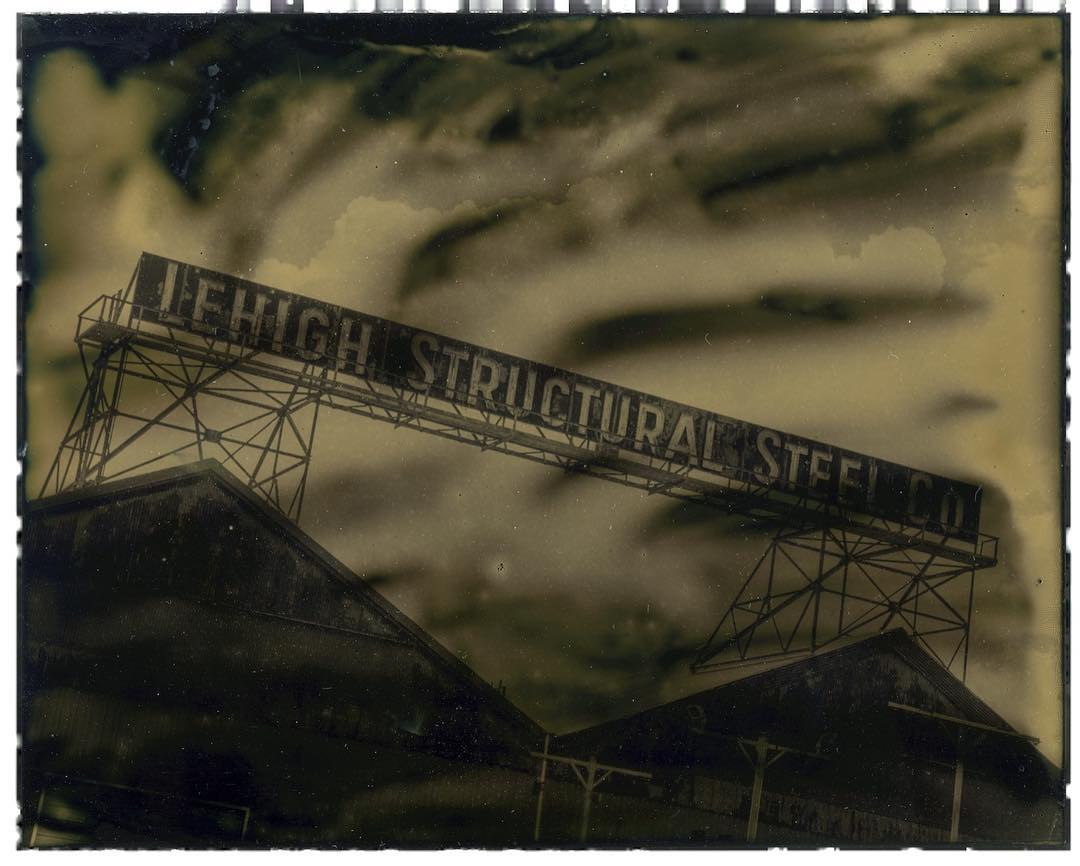
The wet plate collodion process involves coating a sheet of metal (for tintypes) or glass (for ambrotypes) with collodion, a viscous solution containing light-sensitive chemicals. The plate is sensitized in a bath of silver nitrate, exposed in a camera while still wet, and developed immediately. This demanding process creates unique, one-of-a-kind images with stunning detail and a timeless aesthetic.